Just explain the task.
Talk to us like you’d talk to a colleague. No coding, AI expertise or perfect prompts needed.
AI WORKMATE
A LITTLE HELP. A LOT MORE LIFE.
Stuck on a task? Tired of the same clicks every day? Talk to us. We build a personal AI bot around your process. It works in your everyday apps through a full-control screen-sharing connection to your computer.
Think of it as outsourcing the task to a robot.
You bring the work. We bring the Workmate.
A custom service, built for your task. The bot runs in a virtual machine; the work happens on your computer.
“This spreadsheet is eating my afternoon.
Can you take it from here?”YOU, HANDING OVER THE BORING BIT

Work on a laptop?
This is for you.
YOU DON’T NEED TO BE “AN AI PERSON”
Your company hasn’t provided AI tools? You don’t have time to learn another app? Or an expensive AI subscription feels like too much? Workmate starts with you and the task you need help with.
Talk to us like you’d talk to a colleague. No coding, AI expertise or perfect prompts needed.
We build and configure your bot, the screen-sharing connection and the channel you’ll use to send instructions, then test the task with you.
Come to us as an individual. You don’t need a company account or a team-wide AI rollout to start a conversation.
THE “DO I REALLY HAVE TO DO THIS AGAIN?” LIST
From everyday admin to that one task you’re stuck on, bring us the work that takes more energy than it should. Here are a few places to start.
Clean up rows, organize information and move data between files. Less copy, paste, repeat.
“Can you sort this sheet for me?”Summarize long threads, prepare replies and keep track of the people you need to get back to.
“Help me catch up on my inbox.”Gather the inputs, prepare the recurring report and turn scattered notes into a useful first draft.
“There goes my Friday report again.”Collect information, compare details and work through repetitive steps across supported websites.
“I’ve got 30 tabs and no time.”Work through assigned requests, prepare status updates and organize customer follow-ups.
“Help me get this queue moving.”Investigate a stubborn bug, prepare a change and run available checks. Get a useful next step when you’re stuck.
“I could really use another pair of hands.”Tell us your task. We’ll confirm what can be done with your apps and access before you start.
LESS FIGURING IT OUT. MORE GETTING IT DONE.
We first understand your process, then build and configure a bot to carry it out. The bot runs in a virtual machine (VM) and connects to your computer through screen sharing with full control. It reads the screen, clicks and types in your apps, much as you would.
Show us the task, the apps involved and what a correct result looks like. We agree the scope, access and quote.
We set up the bot in a VM, configure the authorized full-control screen-sharing session and test your workflow with you.
Send tasks through a preconfigured email address, form or another agreed medium. We configure the channel as part of your setup.
The bot follows your instructions in your apps through the remote session. Review the result and approve any next steps you’ve reserved.
THE WORKMATE CONNECTION
Send the task. Your bot works from a VM and uses your laptop through an agreed screen-sharing session.
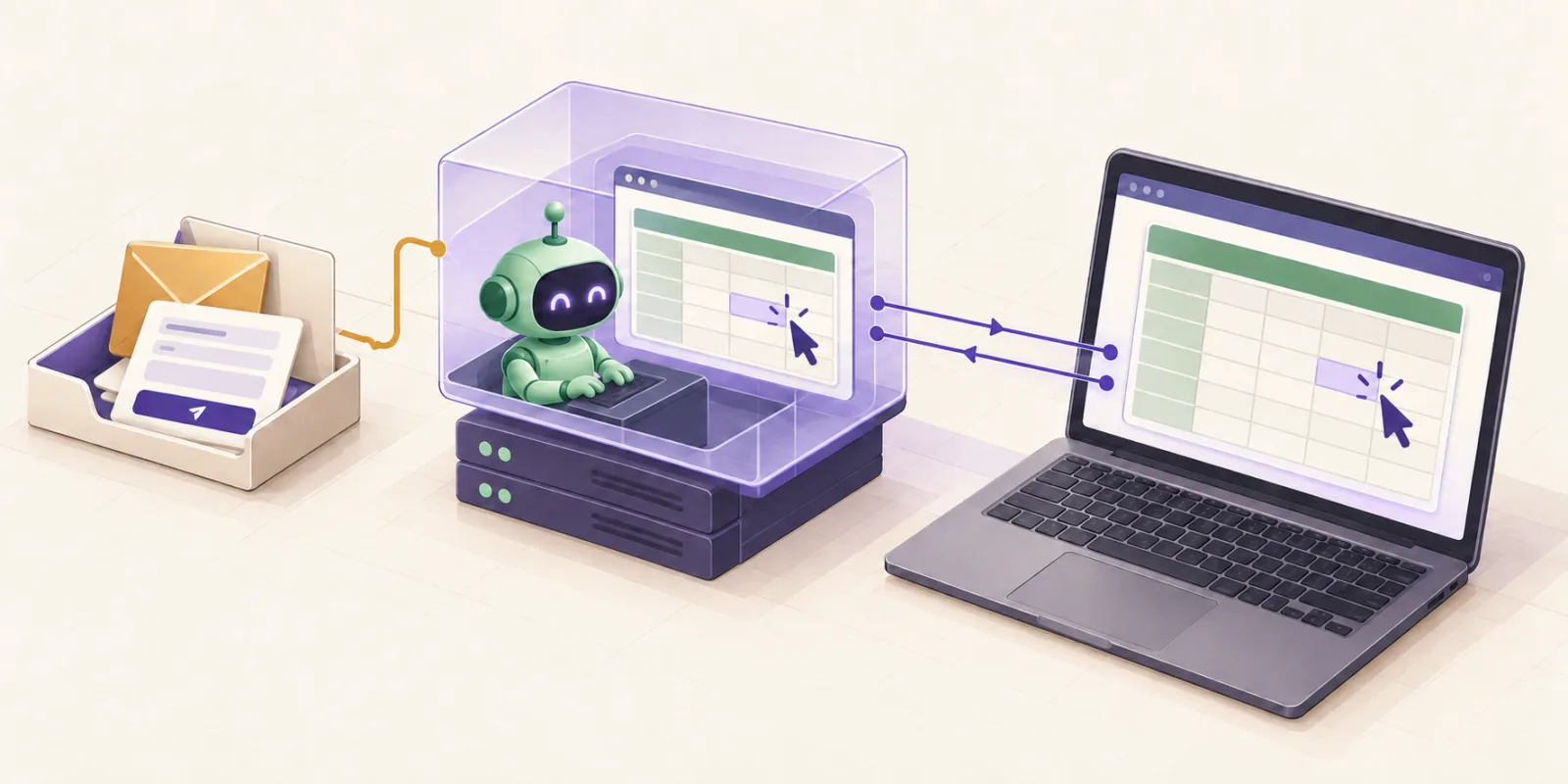
Your configured email, form or another agreed channel.
It receives the instructions and controls the screen-sharing session.
It reads, clicks and types in your apps through full-control screen sharing.
Your computer stays on and available for the session. We agree when access may run, how to stop it and which actions need your approval.
YOUR TO-DO LIST COULD USE A PLUS-ONE
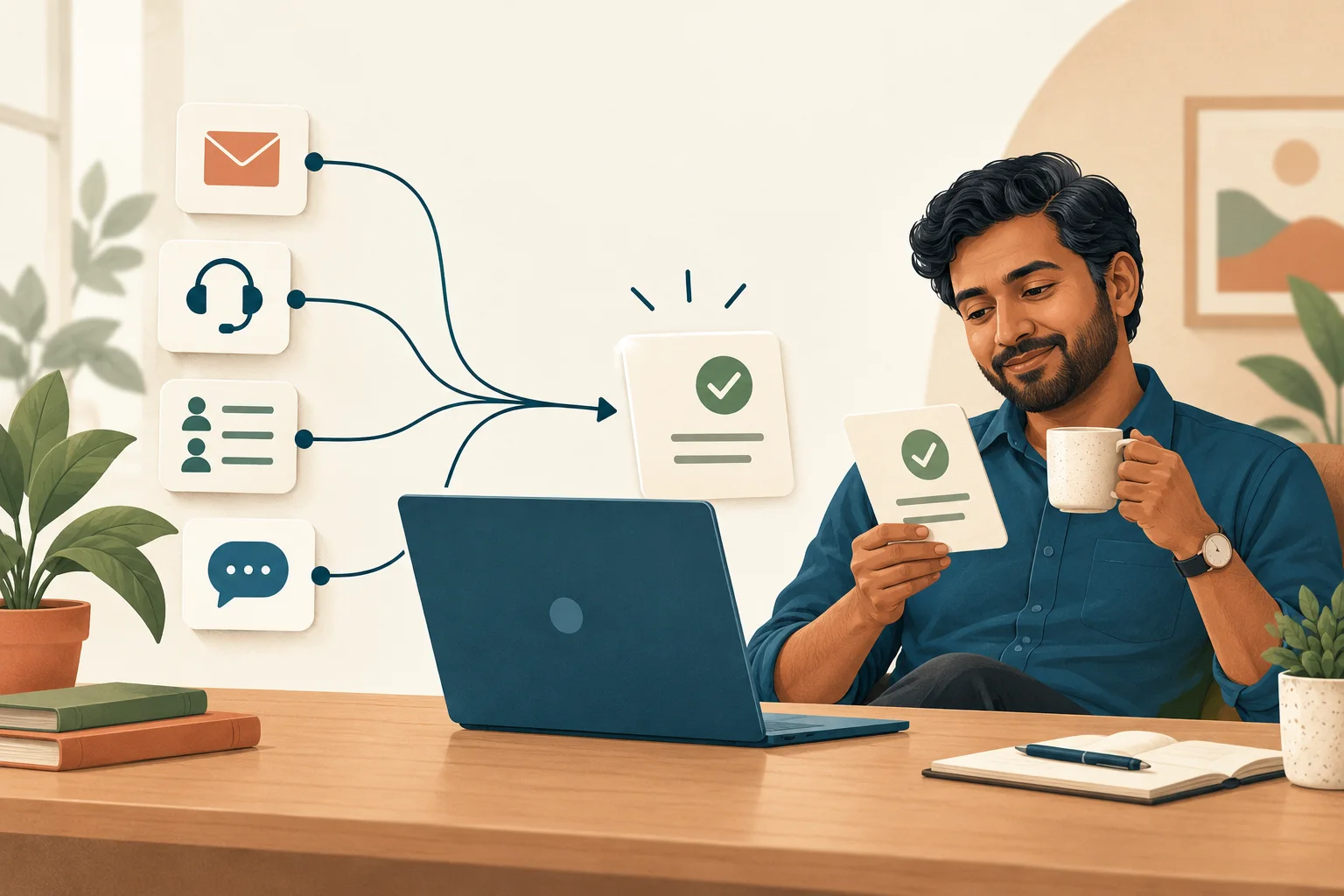
A coffee. A walk. A little headspace. Let Workmate handle the agreed busywork while you take a break from doing every step yourself.
It’s your work, with backup. Come back, check the result and move on with your day.
Find my first task to hand overA QUICK LOOK AT THE HANDOFF
Pick an illustrative example. You send the task through your configured channel; the bot works in your apps over the screen-sharing session and brings back the result for you to check.
Choose what the bot can do on its own and what comes back to you first. We agree those steps during setup, including when to pause and ask for help.
PERSONAL HELP. A PRACTICAL BUDGET.
Expensive AI tools can feel out of reach when you’re paying for them yourself. Tell us your task and your budget. We’ll look for a useful, manageable starting point.
Talk to UsBring a one-off challenge or one recurring chore. You don’t have to start with your whole workday.
We explain the setup, any AI or app costs, and ongoing support charges before you decide. Pricing depends on the work and tools involved.
You don’t have to pick and learn an expensive AI tool on your own. We assess what your task needs and discuss the options with you.
GOOD QUESTIONS. SIMPLE ANSWERS.
Workmate is for people who want a little help getting through their work. You can start with “I’m stuck.”
Looking for help across a whole team? See our AI bots for business.
AI Workmate is Troofox’s custom AI bot service for individuals. We understand your process, then build and configure a bot that runs in a virtual machine and works on your computer through full-control screen sharing. It follows your instructions in your everyday apps.
Yes. Employees, freelancers and independent professionals can approach us directly. You don’t need a company account or an employer-provided AI subscription to discuss your task and get a quote.
No. Describe what you do and where you get stuck. We handle configuration, explain how to use your Workmate and test the task with you.
Yes, you can talk to us about a personal setup. For company devices, accounts or data, the setup still needs to fit your workplace’s access and AI-use rules. We check that fit before connecting anything.
We start with your task and budget, then quote a practical scope. You’ll know the setup, usage and ongoing charges before deciding. If you only need one task done, tell us that.
Yes. Bring us a coding issue, a research task or a report you’re struggling with. We assess the requirements, explain what Workmate can take on and agree what a useful result looks like.
The bot runs in a VM and connects to your machine through an authorized screen-sharing session with full control. It reads what is on screen, moves the pointer, clicks and types in the apps needed for your task. We test the apps and workflow before you start.
Through a preconfigured email address, a form or another medium agreed during setup. We configure how tasks reach the bot and when it should ask for clarification. This website’s form starts an enquiry; your working instruction channel is set up separately.
The remote bot can view screen content and interact with the files and apps needed for the task. Screen information and task data may be processed in the VM and by the AI services used. We explain the data flow and agree access, stopping arrangements and review steps with you before connecting.
Yes. Although the bot runs in a VM, your computer must be on, connected and available through the configured screen-sharing session, with the required apps accessible. We agree the practical session requirements during setup.
LESS “I’LL DO IT LATER.” MORE “IT’S DONE.”
Tell us about it. No technical brief needed. We’ll talk through what’s possible, what it costs and how your Workmate could help.
Big task. Small task.
Let’s take it off your mind.